Things I never like to hear:
“It works. Don’t touch it.”
That’s not an outage. That’s worse — it’s unknown state. The kind of failure that hides until the worst possible moment.
ClickOps got us there.
I know, because I’ve done it.
I click around to learn a new system. I get it working. I move fast. And sometimes… I never come back to encode the result as infrastructure as code (IaC).
So instead of infrastructure, I end up with a museum of one-off decisions and fragile assumptions.
This series is my attempt to fix that by turning my homelab into a Git-driven platform:
If it isn’t in Git, it isn’t real.
Not as a slogan as much as it is the design constraint.
Because I want a solid foundation where I can spin up secure VMs for experiments without reinventing the wheel every time.
Why GitOps at home?
When your environment is driven by manual changes, you get all the classics:
- undocumented configuration drift
- inconsistent provisioning
- “works on this box” syndrome
- secrets scattered across machines
- access managed by copying keys around
- fragile snowflake servers
And here’s the newer problem:
If the source of truth is “whatever I clicked last Tuesday,” then the lab becomes a pile of snowflake servers, and neither I nor an LLM can reliably tell what state anything is in.
That matters to me now because I want to use Codex and other automation effectively. LLMs are great at reasoning over text. They’re terrible at guessing what I changed by hand.
GitOps is how I keep the environment legible.
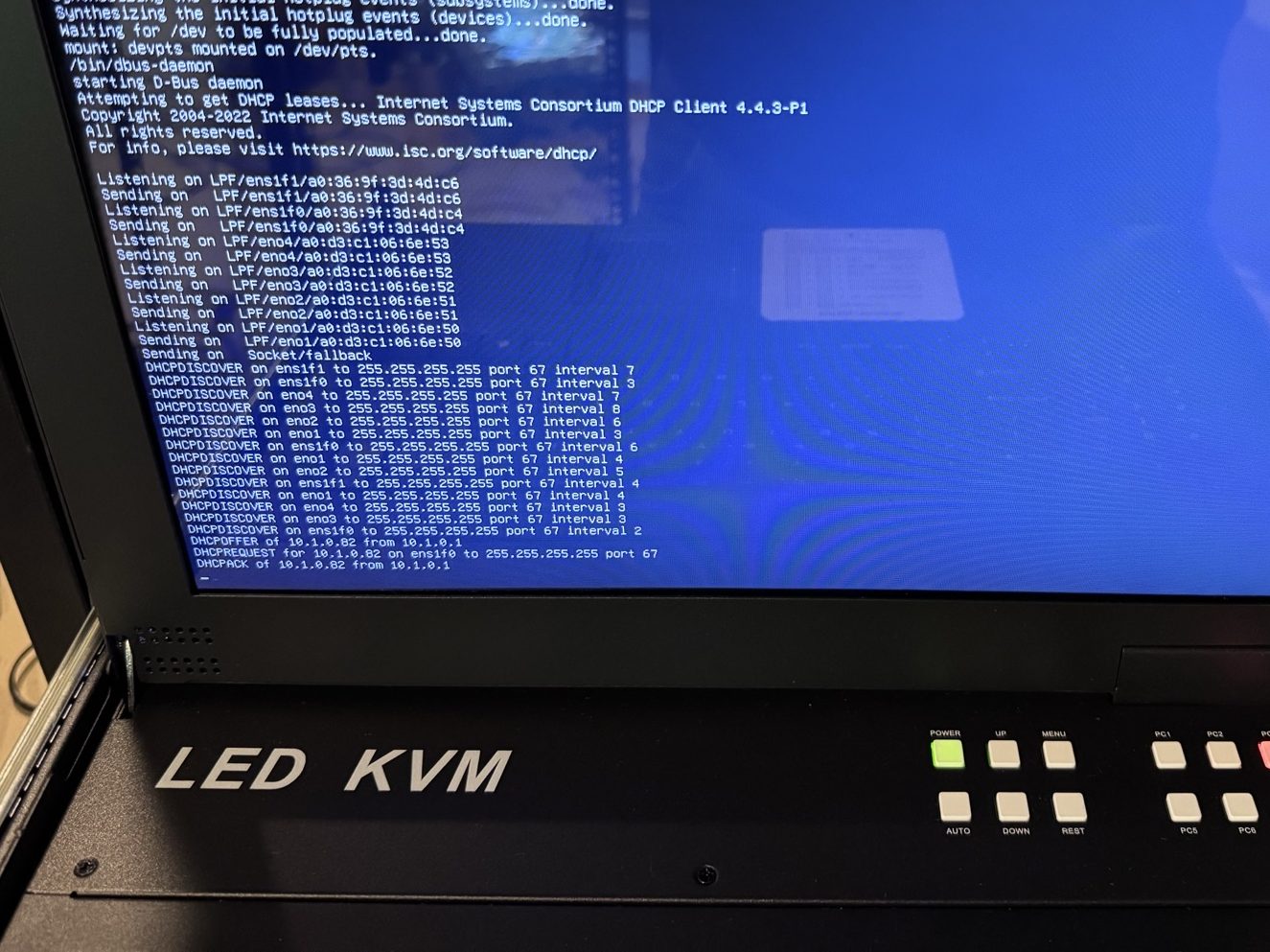
What this homelab is (and isn’t)
This is a hobby project. It’s not intended to serve production internet traffic. I still use AWS constantly — in my day job, and for side projects that need to be public-facing. I’m not trying to become my own cloud provider from my house.
This homelab is for:
- internal services
- secure experiments
- automation playgrounds
- infrastructure research
- building systems I can rebuild from scratch
In other words: a lab that behaves like a tiny cloud at home.
My slippery slope: from a Proxmox box to a server rack
I’ve been toying with Proxmox for several years.
I started with the classic gateway drug: an always-on consumer grade desktop with “this is probably fine” energy.
Then I switched “upgraded” to a old laptop because it had a built-in battery. It wasn’t as powerful but it gave me a second node and a taste of redundancy.
At that point, the conclusion became inevitable:
Consumer hardware is great for learning.
But if you want stability and durability, you want a rack.
So I went there.
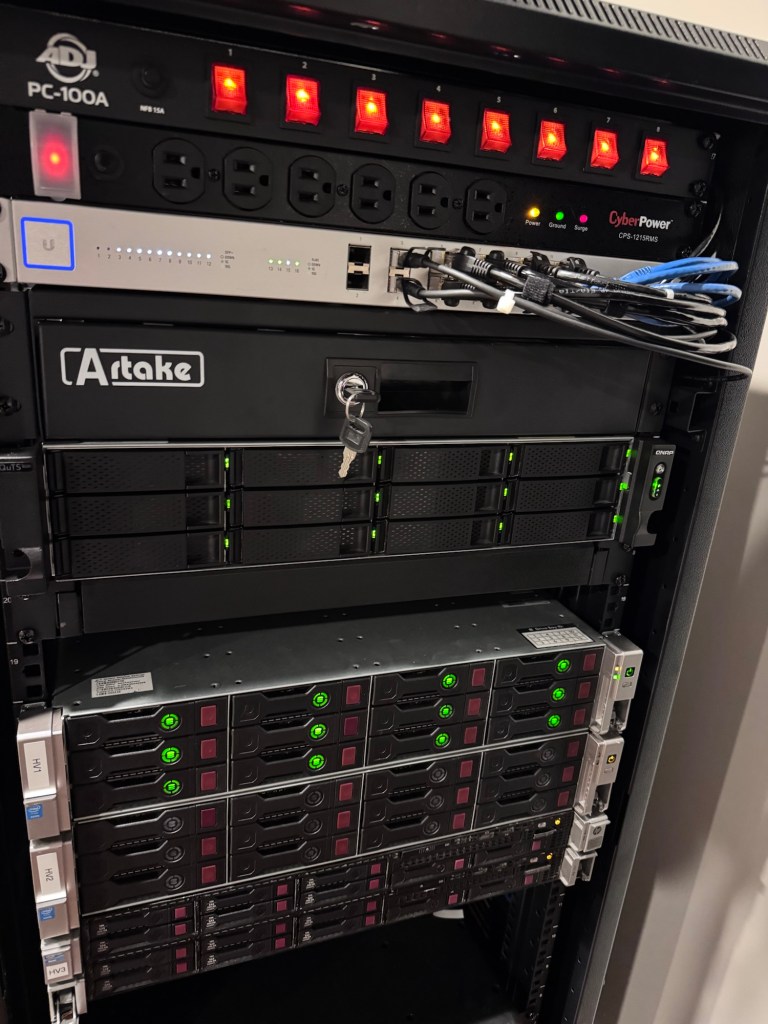
Now I’m running dedicated servers with:
- ~200GB memory
- ~12-48 CPU Cores
- multiple 2U and 4U servers
- redundant everything
Each server has 10GB redundant networking, redundant HDDs, redundant power (dual PSUs and dual power cables), and UPS battery backup.
Running a homelab is a lot like flying an airplane:
If you have one, you’ve got none.
If you have two, you’ve got one.
The goal: Git as the source of truth
Here’s the target state for the lab:
- VMs are cattle, not pets
If a VM breaks, I rebuild it. I don’t nurse it. - All infrastructure is declared in files
CPU, memory, disk, networking, naming, everything. - All changes flow through Git
No “quick fixes” that bypass review and history. - CI/CD applies changes automatically
The system is updated by pipelines, not by humans clicking around.
This makes the environment reproducible and auditable. It also means I can reason about it from my laptop, and automation can reason about it from code.
The stack (high level)
The overall structure looks like this:
Proxmox: the hypervisor
Proxmox is the substrate. It’s where VMs live. It gives me clustering, HA patterns, snapshots, templates, and the ability to treat compute like inventory.
Packer: golden images
Instead of reinstalling an OS every time, I build golden images: base VM templates with the OS already installed and my baseline configuration already applied.
Terraform: declared infrastructure
Terraform is the “declared reality” for VM specs and infrastructure configuration. If I want to change VM memory, CPU, networking, or storage, I change it in code.
Ansible: provisioning
Terraform creates the VM, but Ansible configures everything inside it: packages, users, services, and system settings. If I want to change what the machine does, I change it in code.
Vault: secrets + trust
Vault manages secrets, certificate authorities, and identity. It’s the crown jewel of the lab. Vault is the reason this whole thing can scale without turning into key sprawl and secret sprawl.
GitHub Actions: the automation engine
GitHub Actions is how the GitOps loop closes:
- changes are committed
- workflows run
- infrastructure is applied
- provisioning is enforced
And because this is a homelab, the workflows that need LAN access run on self-hosted runners.
Why I’m doing it
At a glance, this seems like a lot of work just to run a few VMs at home.
That’s fair.
I’m doing it because I want a platform where experiments are cheap:
- spin up a new VM
- get baseline security built-in
- get identity and secrets built-in
- get provisioning built-in
- tear it down cleanly
- repeat
The payoff isn’t that everything is perfect.
The payoff is that everything is reproducible.
Reach out if you have questions about running your own a home lab. I’d be happy to help you while its still fresh on my mind.
 Reburn Report
Leave a comment